
Why Professionals Still Use TIFF
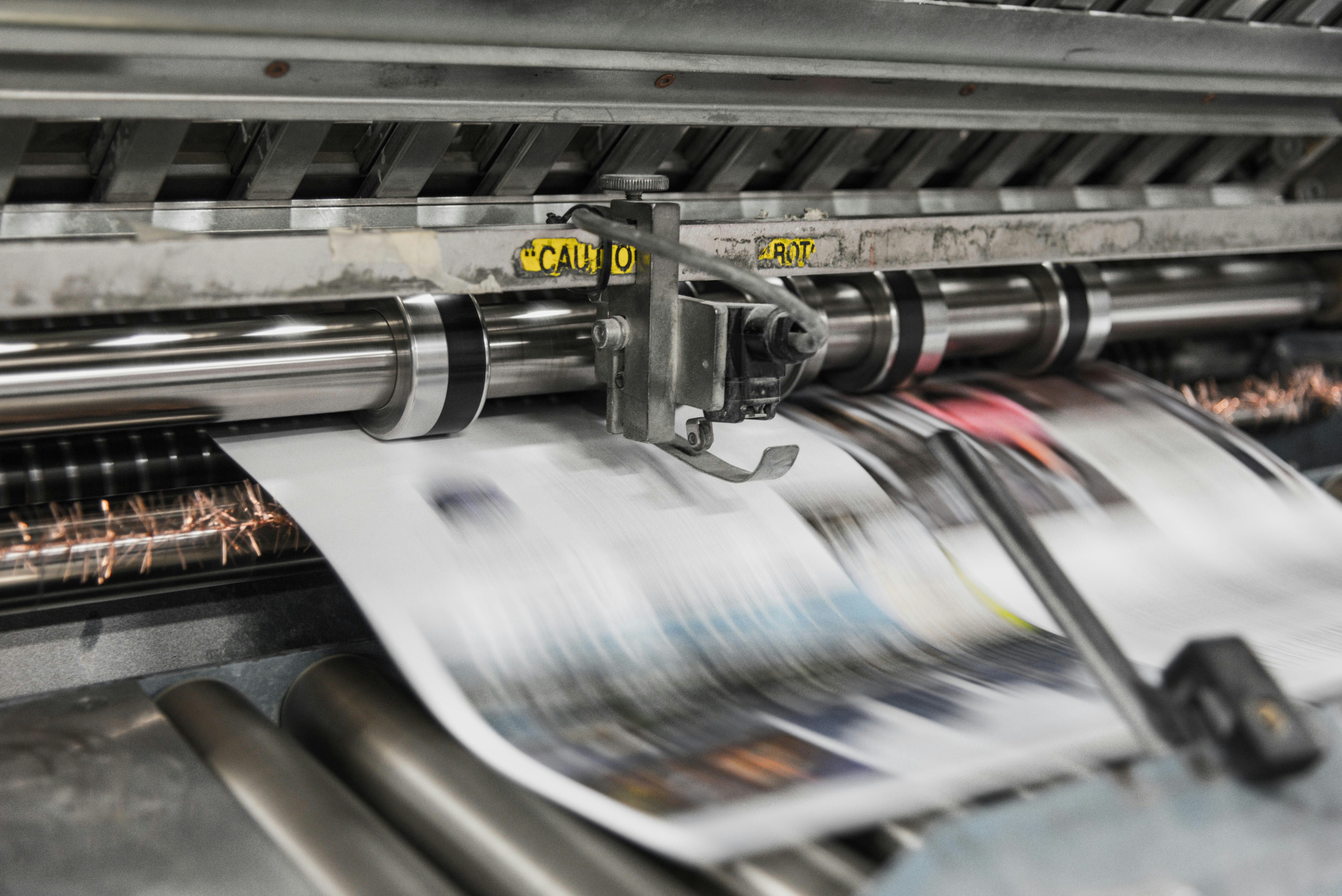
Print shops routinely reject files that are technically flawless - correct resolution, embedded color profiles, dimensions matching the spec sheet - simply because they aren't TIFFs. The prepress technician's explanation is often some variation of "because that's what we use". Not wrong. Not particularly helpful either.
But that reality captures something important about TIFF in 2026. It persists not because of consumer demand or internet-age relevance, but because entire industries built their pipelines around it decades ago and never had a compelling reason to switch. Most people have never knowingly opened a TIFF file. Some have never heard the extension. And yet TIFF is everywhere that images are taken seriously.
A Format Older Than Photoshop
TIFF (Tagged Image File Format) was created in 1986 as a collaboration between Aldus Corporation and Microsoft. This was three years before the first version of Photoshop was released and several years before the existence of the World Wide Web. The format was originally designed as a flexible container for scanned images, serving a digital landscape where the cutting edge of technology was a flatbed scanner connected to a Macintosh computer.
Nearly forty years later, the core of the format remains fundamentally unchanged. The last major revision to the specification occurred in 1992. This longevity is not a result of neglect but rather a testament to the original design. The creators established a framework robust enough to absorb decades of technological advancement without requiring a break from its foundational structure.
Where TIFF Actually Lives
If you work on the web, in app development, or anywhere in consumer software, you could go your entire career without touching a TIFF. The format has zero presence in browsers, as most will not render one natively, and it plays no role in social media or screen display. Despite this lack of consumer visibility, several specialized industries rely on the format for its unique capabilities.
- Professional Photography and Prepress: When a photographer delivers final retouched images to a magazine, ad agency, or print house, the deliverable is almost always a TIFF. The format supports lossless storage, full color depth at 16-bit per channel and beyond, embedded ICC color profiles, and layers. A print workflow requires absolute certainty that the file is exactly what was produced, with no compression artifacts introduced during export.
- Medical Imaging: Hospitals and diagnostic labs store pathology slides, dermatology images, and radiology data in TIFF-based formats. The DICOM standard can wrap TIFF data internally, which is essential when a pathologist examines a biopsy slide at 40x magnification. In these environments, lossy compression is not an option because every pixel matters, even if the resulting file is two gigabytes.
- GIS and Satellite Imagery: GeoTIFF is the dominant format for geospatial raster data. Satellite images, elevation models, and land-use maps are almost universally stored as some flavor of TIFF. The ability of the format to embed coordinate system metadata and handle massive file sizes made it the default for the GIS world.
- Archival and Preservation: Libraries, museums, and government archives digitizing historical documents overwhelmingly choose TIFF. The Library of Congress recommends uncompressed TIFF as its preferred format for digital preservation. Because it is an open specification not dependent on the survival of any single company, uncompressed TIFF is considered the safest bet for ensuring files remain readable a century from now.
The Compression Question
A common misunderstanding about TIFF is the assumption that it is always uncompressed. In reality, the format supports multiple compression schemes, and the choice between them significantly impacts both file size and software compatibility.
- Uncompressed: Every pixel value is stored directly with no algorithmic transformation. A 24-bit RGB image at 6000x4000 pixels occupies roughly 72 MB, while a 48-bit version doubles that requirement. This is the gold standard for archival because there is nothing to decode, as the pixel data is stored in its raw state. The primary disadvantage is that storage requirements accumulate rapidly.
- LZW Compression: This lossless algorithm, the same behind traditional GIF compression, discards no data. For images with large areas of uniform color, LZW can reduce file size by 50% to 70%. For photographic content with high tonal variation, the savings are more modest, typically 10% to 30%. While it was previously restricted by patents, those expired in 2004, and the scheme is now universally supported.
- ZIP/Deflate Compression: This is also a lossless method and is generally more efficient than LZW for photographic content. While support is slightly less universal in legacy software, any application from the last fifteen years handles it without issue. If you are producing files for a modern workflow, ZIP is usually the superior lossless option.
- JPEG Compression inside TIFF: It is possible to wrap JPEG-compressed data inside a TIFF container. This method is lossy, which often defeats the purpose of using the format. However, it appears in specific workflows where the TIFF container is required for metadata or multi-page support but uncompressed file sizes are prohibitive. It serves as a compromise for those who need the container but have limited storage.
☞ Rule of Thumb: Use uncompressed files if storage is unlimited. If you need to save space without losing data, ZIP is the preferred choice. If compatibility with older software is a priority, use LZW. If a workflow suggests using JPEG-in-TIFF, it is often worth considering if a standard JPEG would be more appropriate for the task.
Multi-Page and Multi-Layer TIFF Files
Most image formats describe a single image, but TIFF can describe many. A single file can contain multiple pages, such as a scanned document with fifty pages bundled together, or multiple layers similar to a Photoshop document.
The multi-page capability is the reason TIFF became the default for fax machines and document scanners. When an office scanner digitizes a twenty-page contract, it produces a single multi-page TIFF. This remains the method by which many document management systems ingest scanned paperwork. While it is not a glamorous feature, it has functioned reliably since the early 1990s.
Layer support allows a TIFF to carry transparency via alpha channels, spot color channels for print workflows, and clipping paths. Photoshop's native PSD format is, in some ways, a TIFF with additional metadata. The two formats share more architectural DNA than most users realize.
Why TIFF Files Are Large
A single uncompressed TIFF from a 50 megapixel camera at 16-bit color depth can easily reach 300 MB. A multi-page TIFF from a document scanner might hit a gigabyte, while GeoTIFFs from satellite sensors routinely exceed 10 GB. For anyone accustomed to web-optimized images where 500 KB feels large, these numbers appear absurd. For most general use cases, they are indeed impractical, as you would never serve a TIFF on a webpage or attach one to a standard email. The format makes no attempt to be small.
However, the industries that rely on TIFF have accounted for these requirements. A hospital's Picture Archiving and Communication System (PACS) manages petabytes of storage, and a GIS department budgets for data storage as a primary infrastructure cost. In these environments, a 300 MB file is a minor consideration, and the guarantee of zero quality loss is worth far more than the hard drive space it occupies.
The instinct to compress every file is a reflex of the web era that makes sense when paying for bandwidth, but it is less applicable in specialized fields. It serves little purpose when archiving a museum's collection of Renaissance paintings or mapping the Earth's surface at one-meter resolution. In these professional contexts, the priority is data integrity rather than storage efficiency.
TIFF vs RAW Files
A common misconception is that RAW files are simply TIFFs with a different extension. This confusion is understandable, but the two formats are fundamentally different. RAW files contain unprocessed sensor data, which are the readings from each photosite on a camera sensor before demosaicing, white balance, or any other processing has occurred. A RAW file is more like a recipe than a finished meal, requiring specialized software interpretation before it becomes a viewable image.
TIFF contains a fully rendered and processed image. The pixels are finalized with specific color values. When a photographer processes a RAW file in an application like Lightroom or Capture One, TIFF is frequently chosen as the export format because it preserves the full quality of that processed output without introducing compression artifacts.
The relationship between the two is sequential. RAW is the initial output from the camera, and TIFF is the high-quality product created from that RAW data after editing. Many professionals follow a specific chain: they shoot in RAW, edit the images, export to TIFF for archiving and print delivery, and finally generate JPEGs from the TIFF for web use. This workflow ensures that the highest quality is maintained throughout the production process.
When to Convert to TIFF (and When Not To)
Convert to TIFF when:
- A print shop, publisher, or client specifically requests it for their production pipeline.
- You are archiving final, edited images and require a lossless format with broad industry support.
- You need to store multi-page scanned documents within a single file.
- You are working in a GIS pipeline that requires the GeoTIFF standard.
- You are delivering files for a professional workflow that requires embedded ICC profiles and 16-bit color depth.
Do not convert to TIFF when:
- You are preparing images for the web, where JPEG, WebP, or AVIF are more appropriate.
- You are sharing photos casually, as JPEG or PNG will suffice.
- You want to conserve storage space, as the format is inherently large.
- You are sending files via email, as TIFF sizes often exceed server limits and may not be viewable by the recipient.
- You believe the format will improve a low-quality source. Converting a 200 KB JPEG to a TIFF results in a 50 MB file that retains all the original flaws. Expanding the file size does not restore lost data.
Why TIFF Persists in Professional Workflows
TIFF has no hype cycle. There are no browser wars over its support and no performance leaderboards to top. It sits quietly in industries that value stability over novelty - print shops, hospitals, archives, mapping agencies - all of which built their infrastructure around it decades ago and have no reason to migrate. Converting a PNG to TIFF for a print shop is a minor inconvenience even if the file grows from 15 MB to 70 MB; the payoff is a predictable, reliably accurate print.